ai marketing
How to Create Images with AI (A Marketer's Guide)
By Rich Ux 15 min read
How to Create Images with AI That Don’t Look Like AI
Last month I needed a hero image for a landing page about the one-person marketing agency model.
Three prompts. Eight minutes. The final version looked like something from a $1,500 photoshoot.
No designer. No stock photo subscription. No waiting 48 hours for revisions.
I’ll show you the exact three prompts later in this post. But first, let’s talk about why most AI images fail… and why yours don’t have to.
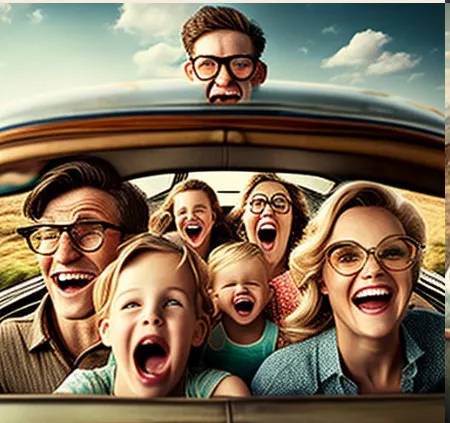
You’ve seen the failures. The plastic skin. The eerily symmetrical faces. The backgrounds that feel like a fever dream someone had about a stock photo library. Six fingers on one hand. Text written by someone who’s heard of the alphabet but never used it.
That’s fine if you’re experimenting.
It’s not fine if you’re using these images to market a business.
Here’s the thing… if you’re running your own marketing (or a client’s), you need visual content constantly. Social posts, blog headers, ad creatives, landing pages, email campaigns, lead magnet covers. The demand never stops.
And the traditional options… hiring a designer, buying stock photos, scheduling photoshoots… are slow, expensive, or generic. Usually all three.
AI image generation changes that equation. But only if you know how to use it.
This guide covers which tools to use, how to write prompts that produce professional results, where AI images work and where they’ll hurt you, and how to fix the “AI look” that kills credibility before a prospect even reads your headline.
No fluff. No tool-by-tool feature comparison. Just what a marketer actually needs to know.
Why This Matters for Marketers
Let’s start with the problem AI solves.
If you’re a full-stack marketer or running a one-person marketing agency, you’re wearing every hat. Strategy, funnels, ads, content, email, automation.
Adding “wait three days for a designer to deliver a social media graphic” to that list isn’t realistic.
And the alternatives aren’t great either.
Stock photos cost money and everyone uses the same ones. You’ve seen that woman smiling at a salad in seventeen different ads this week. Your prospect has too. It signals “generic” before they’ve read a word of your copy.
Custom photography is ideal… but expensive. A single brand photoshoot runs $1,000 to $5,000. If you’re a solo operator or advising a small business client, that budget doesn’t exist.
AI image generation sits in the gap. It’s fast. It’s cheap… most tools cost $10 to $60 a month. And when you know what you’re doing, the output is genuinely good.
The key phrase there is “when you know what you’re doing.”
The default output from most AI image generators is not good enough for professional marketing. The tool gets you maybe 70% of the way. Your judgment, your prompting, and your willingness to iterate get you the rest.
That’s what separates the marketer who uses AI images effectively from the one who makes their client’s brand look like a tech demo.
The Tools
There are dozens of AI image tools. You don’t need dozens. You need two or three, and you need to know which one to reach for.
Here’s my short list as of mid-2026, from a marketer’s perspective. Not a developer’s. Not a digital artist’s. A marketer’s.
Midjourney… the quality benchmark. Consistently produces the most aesthetically refined images. Rich color, cinematic lighting, editorial-quality compositions. Best for social visuals, blog headers, brand mood imagery, and anything where visual quality matters more than literal accuracy. Starts at $10/month.
DALL-E 3 (via ChatGPT)… the most accessible option. If you’re already paying for ChatGPT Plus, you have it built in. Handles conceptual images well (illustrating abstract ideas like “customer journey” or “recurring revenue”) and it’s solid at rendering text inside images… though “solid” still means “usually readable, not always perfect.” Best for speed when you’re already in a ChatGPT workflow.
Adobe Firefly… the commercially safe choice. Trained on Adobe’s own licensed stock library, which means clear commercial usage rights. If you’re creating images for client work and need to avoid copyright gray areas, this is your safest bet. Quality is good, not stunning. The Photoshop integration is where it shines… generate elements, composite them into real designs. Best for client deliverables where legal clarity matters.
Ideogram… the text specialist. If you need text IN your image (a quote graphic, a storefront mock-up, a logo concept), Ideogram is the strongest option right now. Image quality for non-text content is solid but not Midjourney-level. Best for social graphics with text overlays and quick mock-ups.
Leonardo AI… the consistency tool. Built for maintaining visual consistency across multiple images. Same character, same style, same brand feel. For marketers creating content series (weekly social posts, email headers, carousel sequences), that consistency is gold. Best for ongoing production where brand cohesion across dozens of images matters.
My recommendation if you’re just starting: ChatGPT for speed. Midjourney for quality. Pick one, learn it well, add the other when you need it.
Don’t try all five at once. That’s shiny object syndrome applied to image tools.
Pick two. Get good. Move on with your actual marketing work.
Prompts That Actually Work
This is where most people lose.
They type “professional business image” into Midjourney and get something that looks like a LinkedIn fever dream. Then they conclude AI images aren’t ready for marketing.
The images are fine. The prompts are the problem.
Start with the subject, then add layers.
Think of your prompt as a stack: what’s in the image, what style it’s in, what mood it conveys, and what camera details to simulate.
Bad prompt: “A marketer working on their laptop”
Better prompt: “A person working on a laptop in a bright, minimal home office. Morning light through large windows. Soft, warm tones. Shot on a 35mm lens, shallow depth of field. Editorial photography style.”
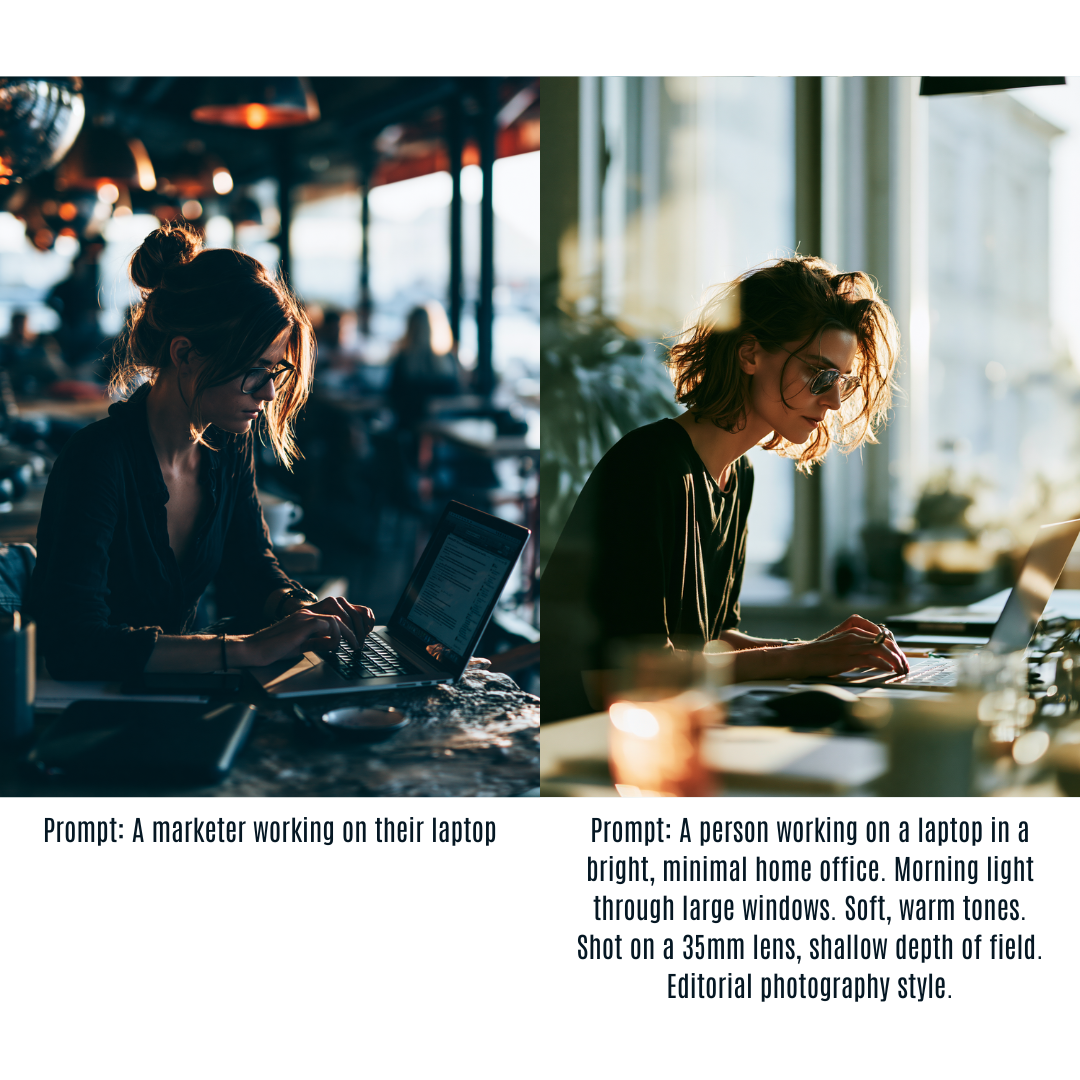
The difference is specificity. AI image generators respond to detail the way Google responds to search queries… the more specific you are, the more relevant the result.
Name styles, photographers, and film stocks.
This is the shortcut. Instead of describing every visual detail, reference a known aesthetic.
“In the style of a Kinfolk magazine editorial” gets you muted tones, natural light, intentional minimalism. “Shot on Kodak Portra 400” gives you that warm, slightly faded film look. “In the style of Annie Leibovitz” delivers dramatic lighting and rich detail.
You’re not copying anyone’s work. You’re giving the AI a reference point for thousands of visual decisions you’d otherwise have to describe one at a time.
Use negative prompting.
Some tools (Midjourney, Leonardo) let you specify what you DON’T want. This matters as much as what you do want.
--no text, watermark, blurry, oversaturated, cartoon, plastic skin
Negative prompts prevent the most common AI image problems before they appear. Use them every time.
Iterate. Always.
The first output is a starting point, not a finished product. Generate four variations. Pick the best one. Adjust the prompt. Regenerate. Repeat two or three times.
Five to ten minutes. Still dramatically faster than briefing a designer, waiting 48 hours, requesting revisions, and waiting again.
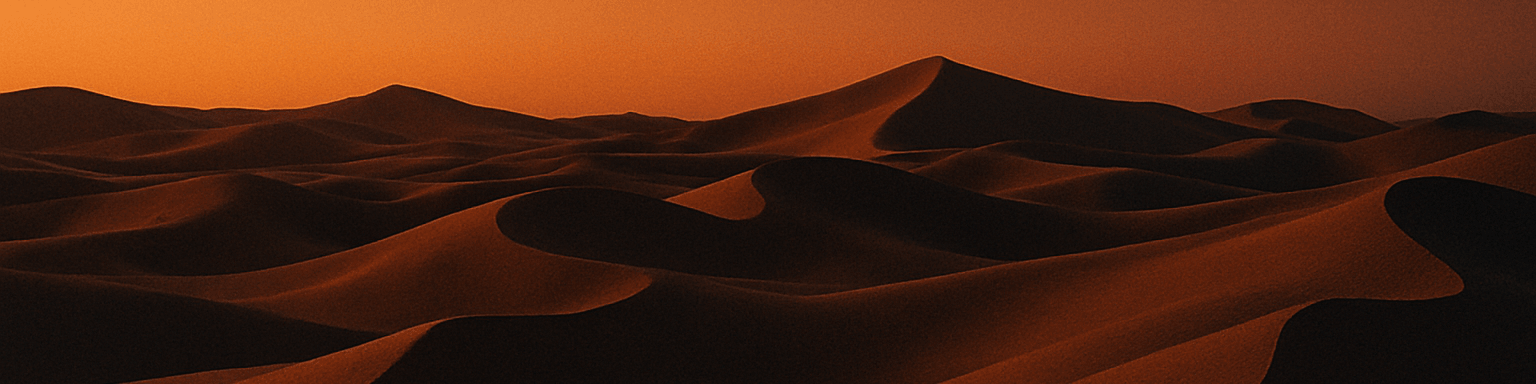
The landing page hero image I promised you.
Here’s the exact evolution of that hero image:
Prompt v1: “A woman doing yoga.” Generic. Looked like every stock photo ever made.
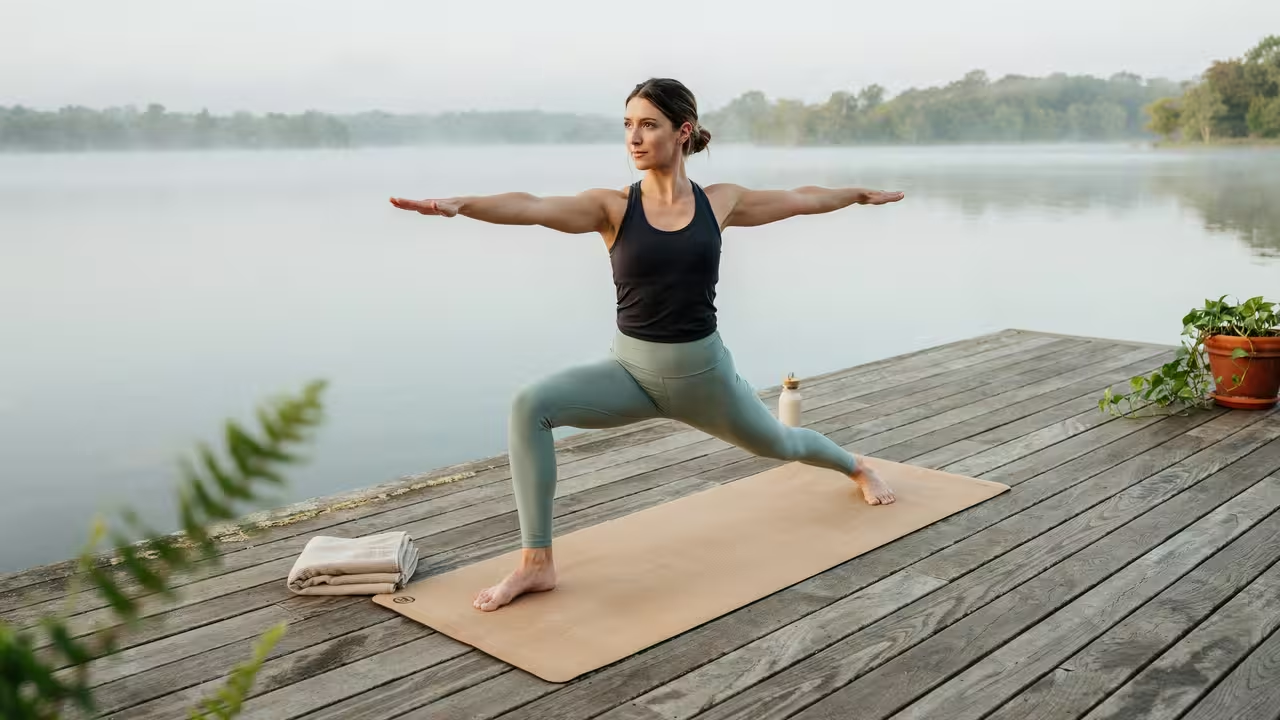
Prompt v2: “Apartment living room of a yogi, spiritual woman, plants, soft light, brick, couch. The woman is seated in a classic meditation posture (Lotus Pose), with her legs crossed. Mudra: Both hands are raised and performing a Mudra (symbolic hand gesture), likely Gyan Mudra (thumb and index finger touching to form a circle), a gesture often associated with focus, knowledge, and wisdom. Her expression is one of deep calmness, concentration, and tranquility. She is wearing a light grey wool sweater. 16:9 Aspect Ratio.” Better. Had character. But the lighting was too flat.
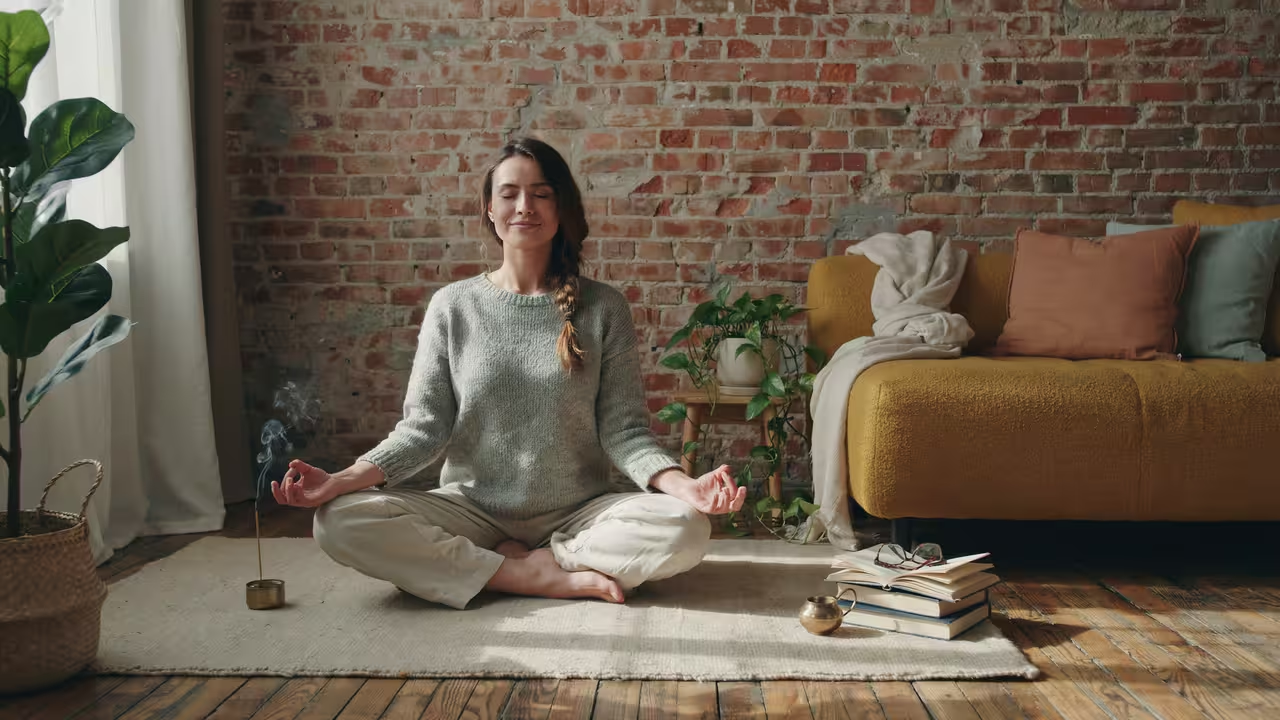
Prompt v3: Same as v2, plus “Shot on 35mm film, soft grain, natural light from a side window Backdrop.”
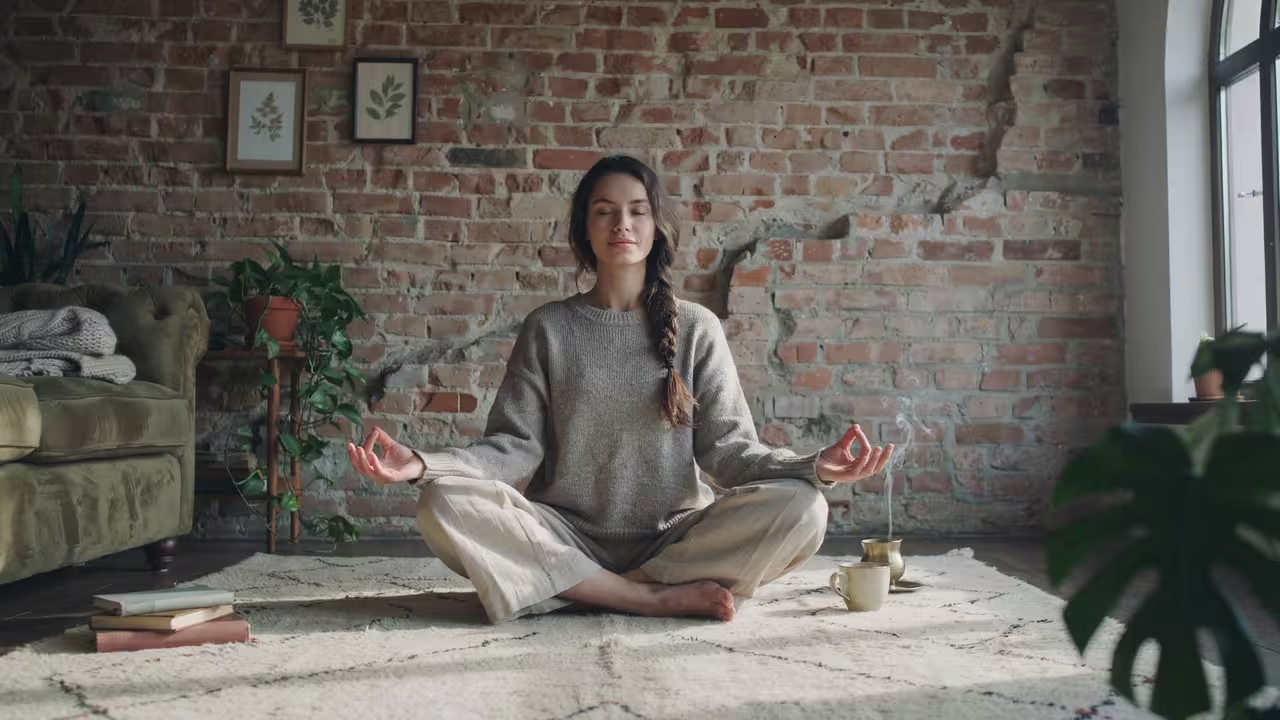
That’s the one on the page right now. Three iterations. Eight minutes.
Not magic. Just specificity and iteration.
Where to Use AI Images (And Where Not To)
Different marketing contexts need different approaches.
Social media posts and carousels. AI works well for scroll-stopping visuals on Instagram and LinkedIn. Use it for background textures, conceptual illustrations, and lifestyle-style images. Avoid AI-generated faces for personal brand content… your audience wants to see you, not an AI version of a human.
Blog headers and in-article images. One of the best use cases. Headers need to be relevant, clean, and not a stock photo everyone’s seen. AI lets you create custom illustrations that match your exact topic.
Ad creatives. Be careful here. AI images can work for certain formats, but performance data is what matters. Test AI creatives against real photography. In many niches, authentic images outperform AI because prospects can tell the difference.
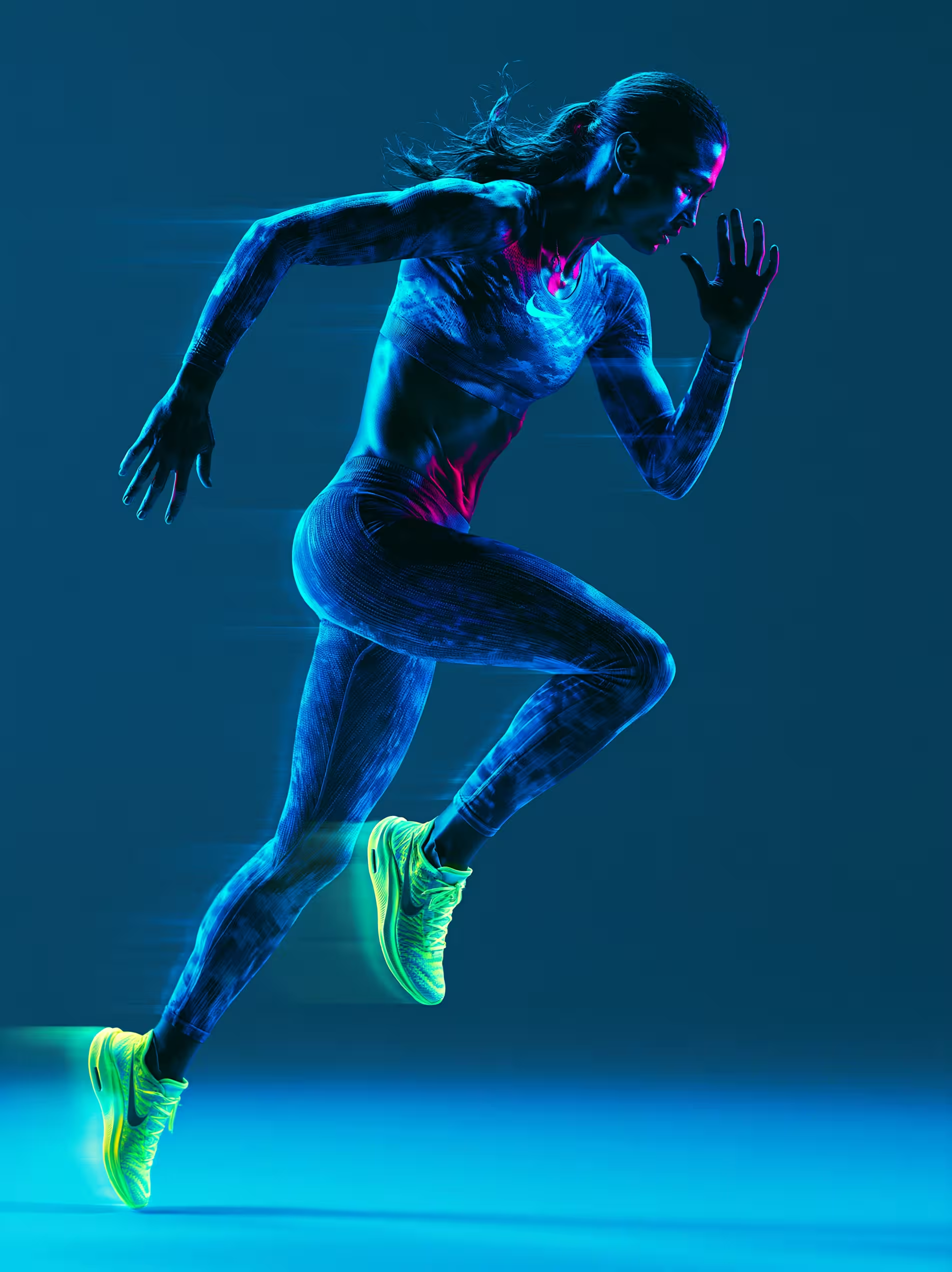
Where AI ads do work: conceptual product images, lifestyle scenes for service businesses, and top-of-funnel awareness visuals.
Landing pages and sales pages. Use AI for hero images, section dividers, background elements. Don’t use AI for testimonial photos, or team images. Those need to be real.

The rule: AI handles the emotional and aesthetic layer. Real photos handle the trust layer.
Email headers. Almost perfect for AI. They need to be visually interesting, load fast, and match the topic. You’re not trying to fool anyone into thinking it’s a photograph… you’re creating a visual anchor.
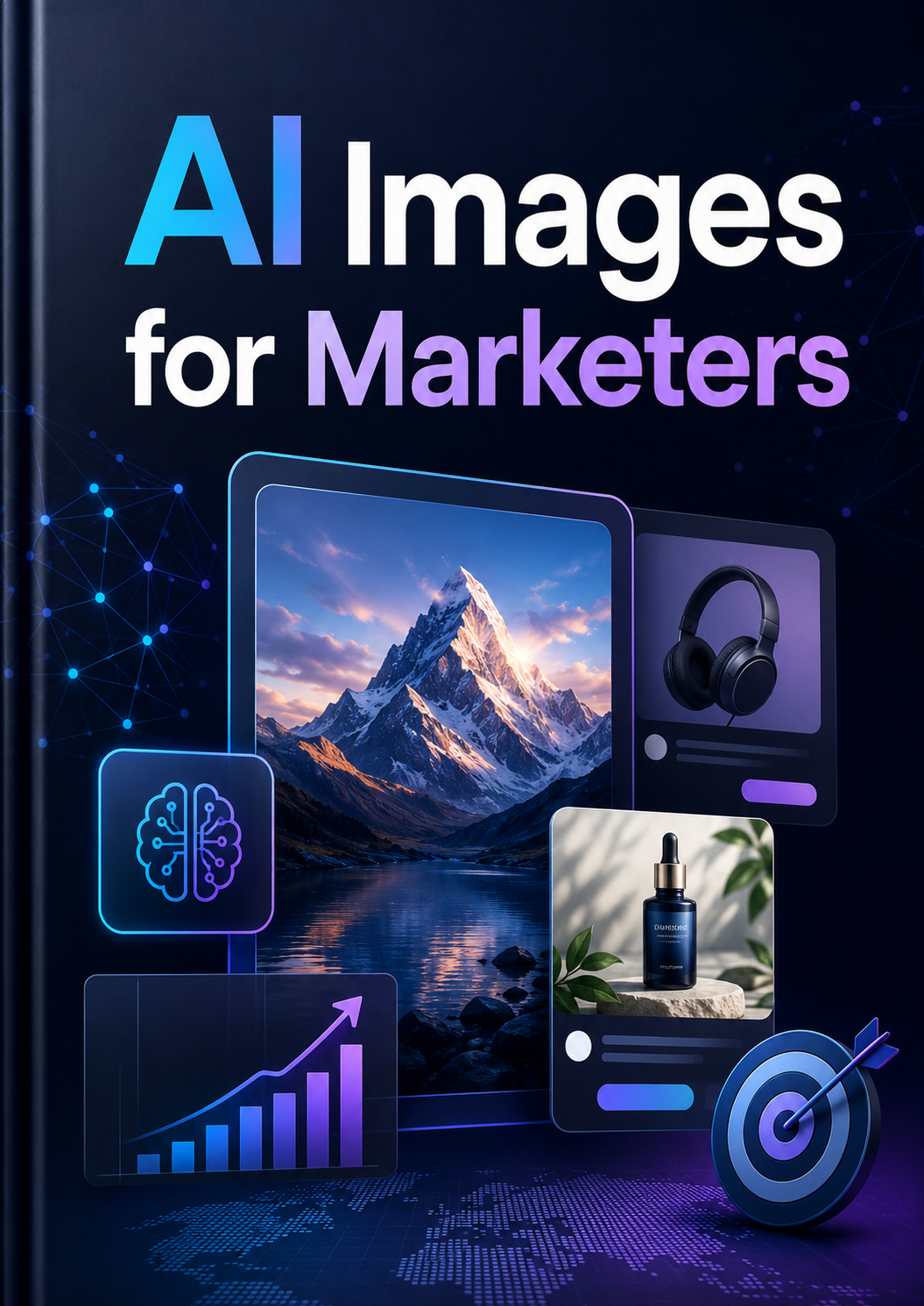
Lead magnets and digital product covers. A huge win for solo operators. A professional-looking eBook cover or guide used to require a designer or hours in Canva. Now you generate the cover image and drop it into a simple template. Won’t replace a professional book designer. For a lead magnet? More than good enough.
Killing the AI Look
You know the look. Oversaturated colors. Skin made of wax. A background that’s technically coherent but feels off in a way you can’t articulate. Everything a little too perfect. A little too clean.
Here’s how to fix it.
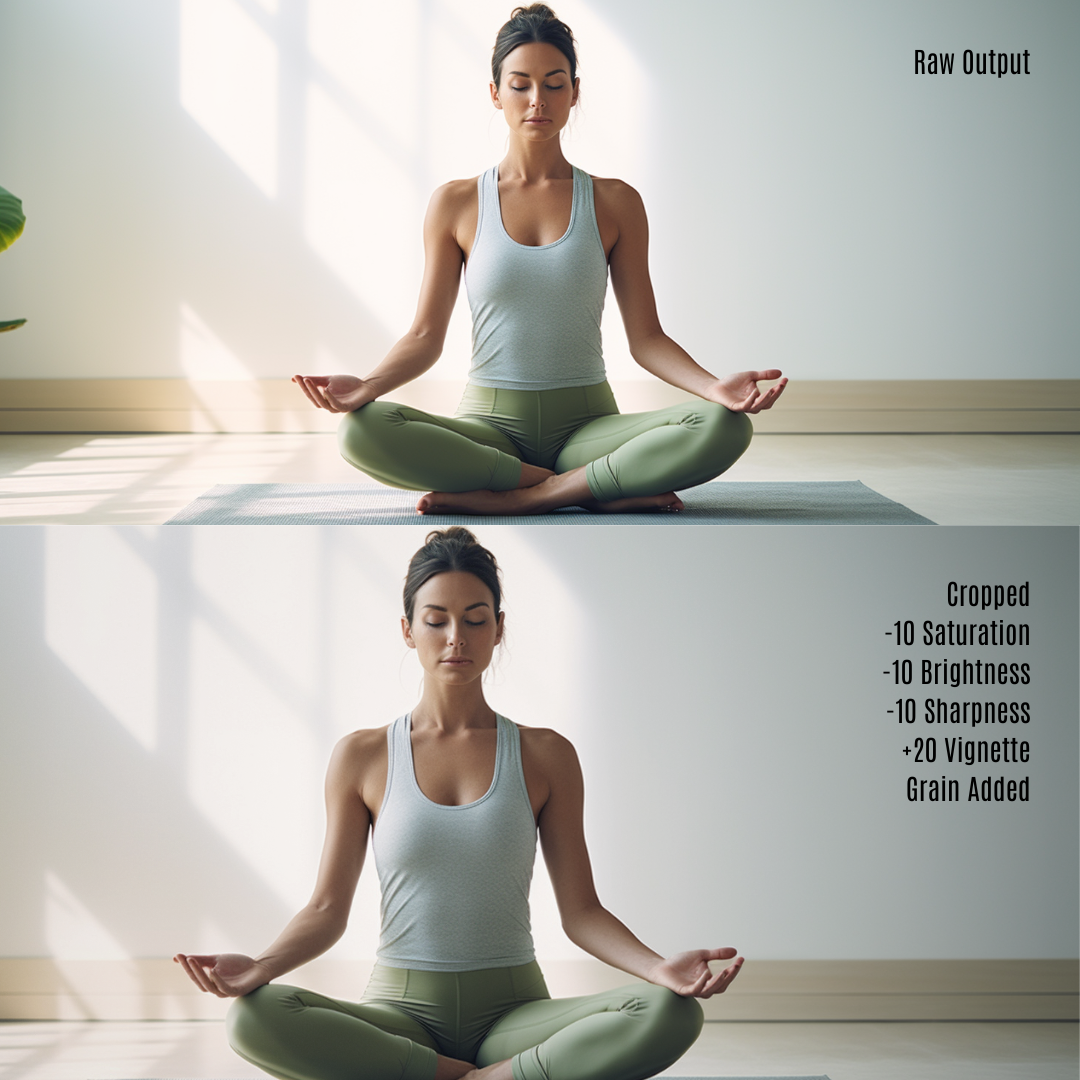
Post-process everything. Never ship a raw AI output. In Canva, Photoshop, or even free Photopea: pull the exposure down slightly (AI images run overlit), reduce saturation 10 to 15%, add a subtle grain layer.
That grain alone breaks the digital perfection that screams AI.
Crop intentionally. AI composes everything dead-center. Crop to a rule-of-thirds composition. Cut off part of the subject. Create visual tension. Real photographers don’t center everything, and neither should you.
Apply consistent color grading. Pick a palette for your brand and apply it to every image. The image looks more intentional, and your feed looks cohesive even when the base images are wildly different.
Composite with real photography. The most professional results come from combining. AI background, real product photo on top. AI textures and overlays around a real headshot. Speed of AI, authenticity of real photography.
The 80/20 rule applies. A quick crop, a slight color adjustment, and some grain takes thirty seconds and makes the image three times more usable.
You don’t need an hour in Photoshop. You need thirty seconds of NOT using the raw output.
What AI Can’t Do (Yet)
Knowing the limitations saves you from wasting time.
Exact brand assets. AI can’t recreate your client’s logo, packaging, or storefront accurately. Need specific real-world assets? You need photography or a designer.
Consistent characters across images. Improving fast, still unreliable. If you need the same person across a 10-image campaign, you’ll spend more time wrestling with consistency tools than you would just hiring someone for a photo shoot.
Reliable text rendering. Ideogram is the best, and “best” still means weird letter spacing or misspelled words about 30% of the time. For text-heavy graphics, generate the visual with AI and add the text in Canva afterward.
Legal certainty. The copyright landscape is still evolving. Firefly offers the clearest commercial rights. For everything else, the safe approach: don’t use AI images in ways that could be mistaken for real photographs of real people in commercial contexts. Especially testimonials and case studies.
Authenticity where it matters. Team pages. Client testimonials. Behind-the-scenes content. If the image is supposed to build trust through being real, AI is the wrong tool. Period.
Use your phone camera. Imperfect real photos beat perfect AI photos when trust is the currency.
The Mistakes
Using the first output. The first generation is a rough draft. The people who say “AI images aren’t good enough for marketing” typed one prompt, got one mediocre result, and gave up.
Using AI for everything. AI covers maybe 60 to 70% of your visual content needs. The rest… real photos, screenshots, screen recordings… still needs to be real. The marketers who go full AI look lazy, not efficient.
Ignoring brand consistency. Random images in random styles destroys your visual brand. Decide on your visual language first: palette, photography style, lighting, level of realism. Bake those parameters into every prompt.
Skipping post-production. I said it already. Worth repeating. Thirty seconds of post-processing is the difference between “clearly AI” and “that looks great.”
Using AI faces for personal brand content. Your audience wants to see YOU. Use AI for backgrounds, textures, and environments. Use real photos of yourself for anything personal.
The Bigger Picture
Creating images with AI is a skill that fits inside a bigger one.
I built my entire academy platform with AI. I built Zeakat.com with AI. No development team, no design team, no outside funding. The images are just one piece of a stack that lets one person do what used to require twelve.
That’s the full-stack marketer advantage. You’re not “the ads person” or “the social media person.” You’re the general contractor who knows how to use every tool on the job site.
AI just gave you better tools. Faster tools. That’s great news for you… not a threat.
The marketers who learn to prompt well, pick the right tool for each use case, and spend thirty seconds on post-production will move faster than everyone still waiting on designer turnarounds and stock photo subscriptions.
And moving faster with quality output… that’s how you serve more clients, create more content, and build a marketing operation that doesn’t need a team.
If you want the full skill set… not just images, but the entire toolkit for running a one-person agency or launching your own products… that’s what the Rich Ux Academy is built for.
Nothing else. 🍻
Post-Script: After writing this blog post and recognizing the tedious nature of writing image prompts… I built a free tool with to help with that. Check out my AI Image Prompt Deck.
Go deeper
Get the Blueprint.
How to survive AI, own the whole machine, and become the marketer companies can’t replace. About 25 minutes of reading, plus the video series. Free.
Get the Blueprint →Rich Ux Academy
Go deeper inside the Academy.
Courses, the full tool library, and the community that turn the OPMA model into a working business.
Explore the Academy →